Adding Your Repositories
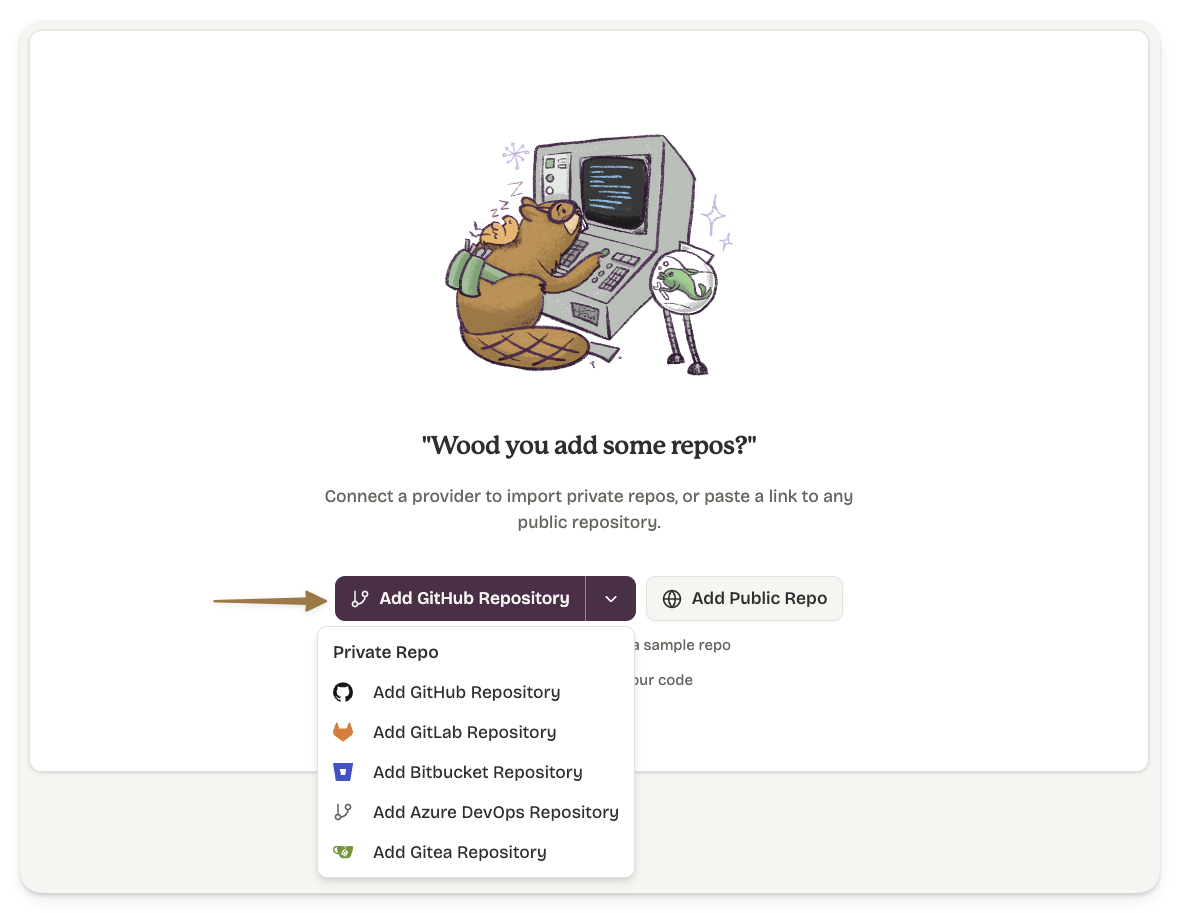
GitHub
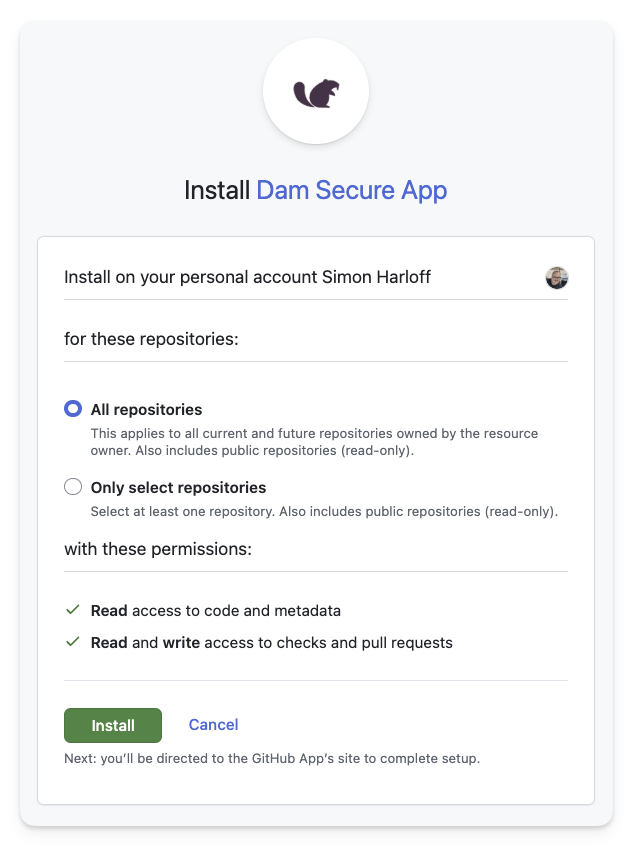
The first time you connect, you will install the Dam Secure GitHub App on your GitHub organisation and go through the consent flow.
You only do this once per GitHub organisation.
This GitHub App can only read your repo(s), and adds the ability to put comments on PRs (write to PRs).
You will need to be a GitHub org admin to complete this consent flow.
GitLab
Connect your GitLab account via OAuth. You will be redirected to GitLab to authorise Dam Secure, then returned to the dashboard.
GitLab requires read and write access. Setting up webhooks (which Dam Secure uses to receive push events in real time) requires write-level API permissions in GitLab. There is no narrower scope available for webhook management. We use write access solely to register and manage webhooks, not to modify your code.
Bitbucket
Connect your Bitbucket workspace via OAuth. You will be redirected to Bitbucket to authorise Dam Secure, then returned to the dashboard.
Azure DevOps
Connect your Azure DevOps organisation via OAuth. You will be redirected to Microsoft to authorise Dam Secure, then returned to the dashboard.