Files Excluded from Onboarding and Scanning
Dam Secure dynamically excludes files that are typically not relevant for security scans. This prevents our scanning engine from scanning test fixtures, test logic, and packaged dependencies that normally result in noisy scan results.
Automatic File Excludes
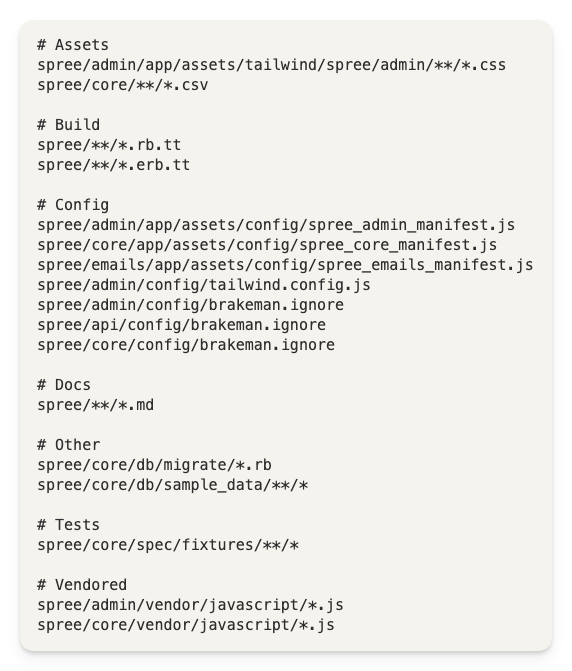
During onboarding, the Dam Secure engine will choose globs and paths of files to ignore. These are generated on a per-project basis.
These exclusions never apply to files that carry security decisions: dependency manifests, CI pipelines, container and infrastructure-as-code files, SQL, and database migrations are always scanned, even when a generated pattern lists them. To exclude one of these, add it to .damsecure-ignore.
Global File Excludes
There are certain patterns that are always applied to all repositories to filter out binary files, build artifacts, lock files, and other non-security-relevant content. Look within the project to see the full file list.
Repo-specific Excludes
You can add a .damsecure-ignore file in your repo which will be dynamically applied at scan time.
Pull request scans use the latest .damsecure-ignore on your default branch, not the one in the pull request or in a parent pull request it is stacked on. Commit scans use the .damsecure-ignore from the commit's parent. A rule added in a pull request takes effect once that pull request is merged into the default branch. Until then, files matching the new rule are still scanned, so merge a rule before opening a pull request that adds the sensitive files it should protect. Changes to .damsecure-ignore itself are always scanned.