Security Scanning
Dam Secure runs security analysis across the entire agentic software development lifecycle. From the moment an agent starts planning, through code generation, into pull requests, and against the codebase on main. Each layer is a backstop for the one before it.
Every scan uses the same shared engine:
- Rules - your security policies, scoped to the repositories & projects they apply to.
- Security Knowledge Graph - built during repository onboarding, so scans understand your code structure, not just the text.
- Issues - what the scan produces. Each violation is checked by AI Triage before it surfaces as a sub-issue (one per file or location), grouped under an issue per rule for triage.
A sub-issue from a pull request scan looks the same as a sub-issue from a baseline scan. Triaging an issue once carries that decision across re-scans.
Vulnerability Review Lenses
Every pull request is reviewed through nine always-on security lenses. These are the same lenses shown on the Vulnerability Reviews tab in the app.
Custom team rules remain a separate policy lane. They can cover supply-chain, privacy, or other requirements that sit outside these lenses.
Authentication & Sessions
Flags missing or bypassable sign-in checks, unsafe account recovery, brute-force exposure, session fixation, and broken token expiry or revocation.
Access Control
Flags broken authorization, including IDOR/BOLA, privilege escalation, cross-tenant access, mass assignment, and unprotected privileged operations.
Injection & Code Execution
Flags untrusted input reaching interpreters or output contexts, including SQL, command, template, header, and cross-site scripting injection.
Files, URLs & Parsers
Flags unsafe paths, uploads, URLs, and parsers, including path traversal, SSRF, XXE, unsafe deserialization, and open redirects.
Business Logic & Abuse
Flags workflow abuse by authorized users, including race conditions, replay attacks, invalid state transitions, calculation flaws, and quota bypasses.
Cryptography & Secrets
Flags hardcoded secrets, weak cryptography or randomness, broken signature validation, insecure key handling, and sensitive data stored without protection.
Security Configuration
Flags insecure defaults and deployment settings, including exposed debug features, permissive CORS or IAM, missing browser protections, and unsafe cloud configuration.
Failure Handling & Security Logging
Flags fail-open behavior, leaked error details, missing security audit trails, log injection, swallowed failures, and missing limits or timeouts.
AI & Agent Security
Flags prompt injection, unsafe agent tool execution, excessive agency, cross-tenant data leakage, and unsafe handling of model-controlled output.
OWASP Top 10 Coverage
The lenses map onto the OWASP Top 10 (2025). The mapping is many-to-many: a lens can span multiple OWASP items, and an OWASP item can be covered by more than one lens.
| Dam Secure Lens | OWASP Top 10 (2025) |
|---|---|
| Authentication & Sessions | A07 Authentication Failures |
| Access Control | A01 Broken Access Control |
| Injection & Code Execution | A05 Injection |
| Files, URLs & Parsers | A01 Broken Access Control, A05 Injection |
| Business Logic & Abuse | A06 Insecure Design |
| Cryptography & Secrets | A04 Cryptographic Failures |
| Security Configuration | A02 Security Misconfiguration |
| Failure Handling & Security Logging | A09 Security Logging and Alerting Failures, A10 Mishandling of Exceptional Conditions |
| AI & Agent Security | A01, A05, A06, A08; also OWASP Top 10 for LLM Applications |
Where we fit into your workflow
| Stage | Scan | Catches |
|---|---|---|
| Planning | Agentic Plan Scan | Insecure approaches before code is written |
| Local development | Local Scan | Vulnerabilities in unstaged changes |
| Pull request | Pull Request Scan | Issues introduced or newly exposed by a change before merge |
| Main branch | Baseline Repository Scan | The current security state of your codebase |
Agentic Plan Scans
Before an agent writes any code, Dam Secure reviews its plan against your rules. The scan extracts the files the plan intends to change, matches them to the projects they touch, and surfaces only the rules that apply to that specific work tailored guidance rather than a generic policy dump.
This scan is delivered through Secure Spec, which hooks into the planning lifecycle in Cursor, Claude Code, and Copilot. See the Secure Spec installation guide to set it up.
Local Scan
Local Scan runs against unstaged or uncommitted changes in your working tree — catching issues during the inner development loop, before a commit is even pushed.
Pull Request Scan
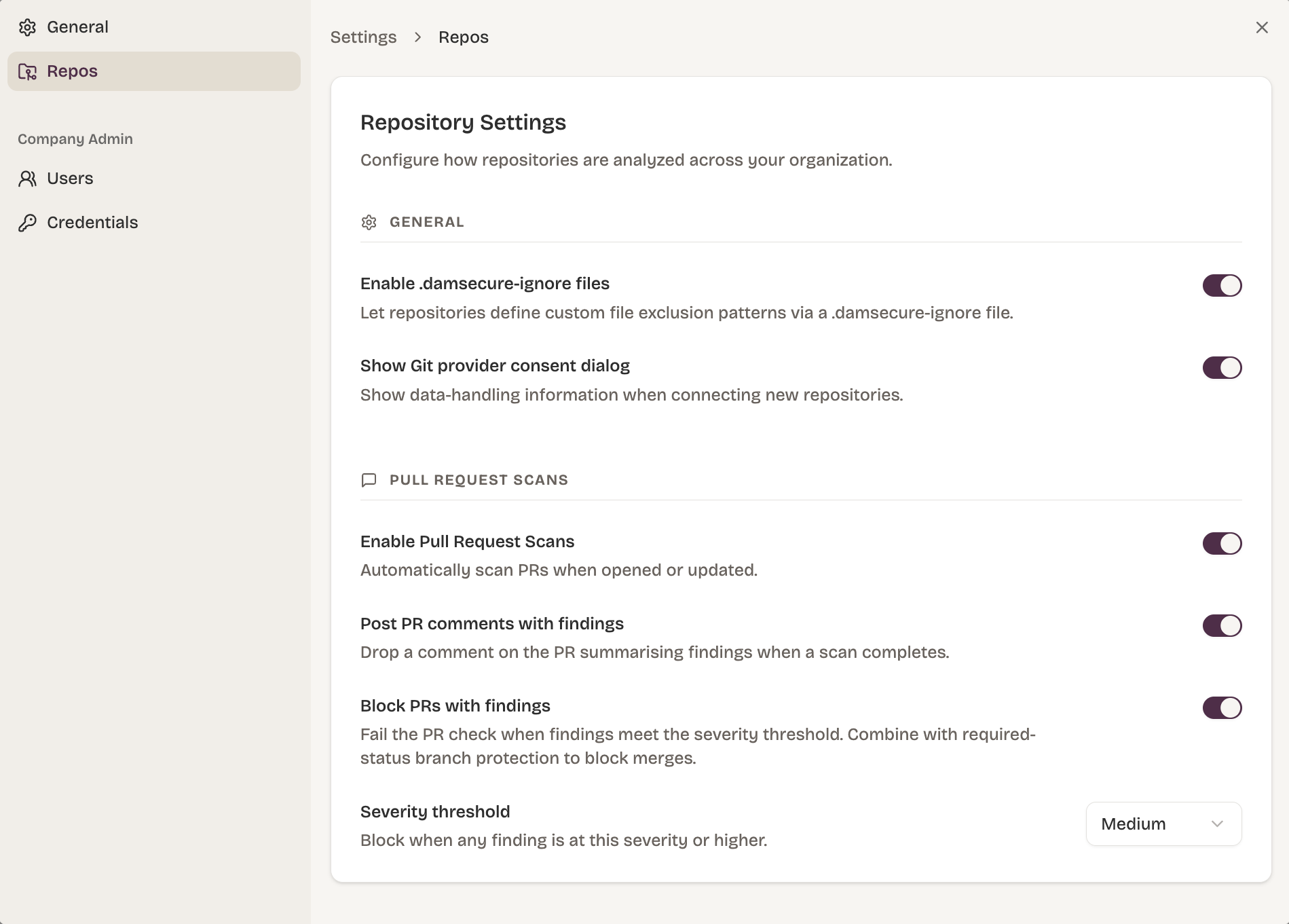
Dam Secure scans a pull request when it is opened and ready for review, or when it is converted from draft to ready. Draft pull requests are not scanned.
Once the repository is connected and rules are enabled, scans run automatically. In Settings you can scan only when a PR opens, or again on every pushed commit. Draft PRs stay unscanned in either case.
What the scan looks at
The scan starts from the PR's changed lines. From there the agent can read the entire file, follow call paths, and verify existing security controls across the repository.
Findings must be introduced or newly exposed by the PR, and anchored to those changed lines. Unchanged code can act as supporting context. A pre-existing issue that the PR neither introduces nor newly exposes is out of scope for the PR scan — that is what the baseline repository scan covers.
How to read a finding's PR
- Open PR — the finding is on an unmerged change. Investigate before merge.
- Merged PR — treat the finding as live. The change has landed on the default branch (and in production, if that is how you ship). Issues raised when the PR opened but then fixed in a later commit on that PR are checked and resolved automatically on merge.
- Draft PR — draft PRs are not scanned. A finding linked to a PR that is now a draft usually means the PR was scanned while ready, then converted to draft afterwards.
- Closed without merging — the finding is retired automatically. It remains visible, but is filtered out of the portal, APIs, and MCP by default.
When a scan completes, Dam Secure produces a GitHub check run with pass / fail status and comments on the PR. Dam Secure can block a PR until a configurable severity of issues is resolved (for example, block until all High or above issues have been resolved).
Baseline Repository Scan
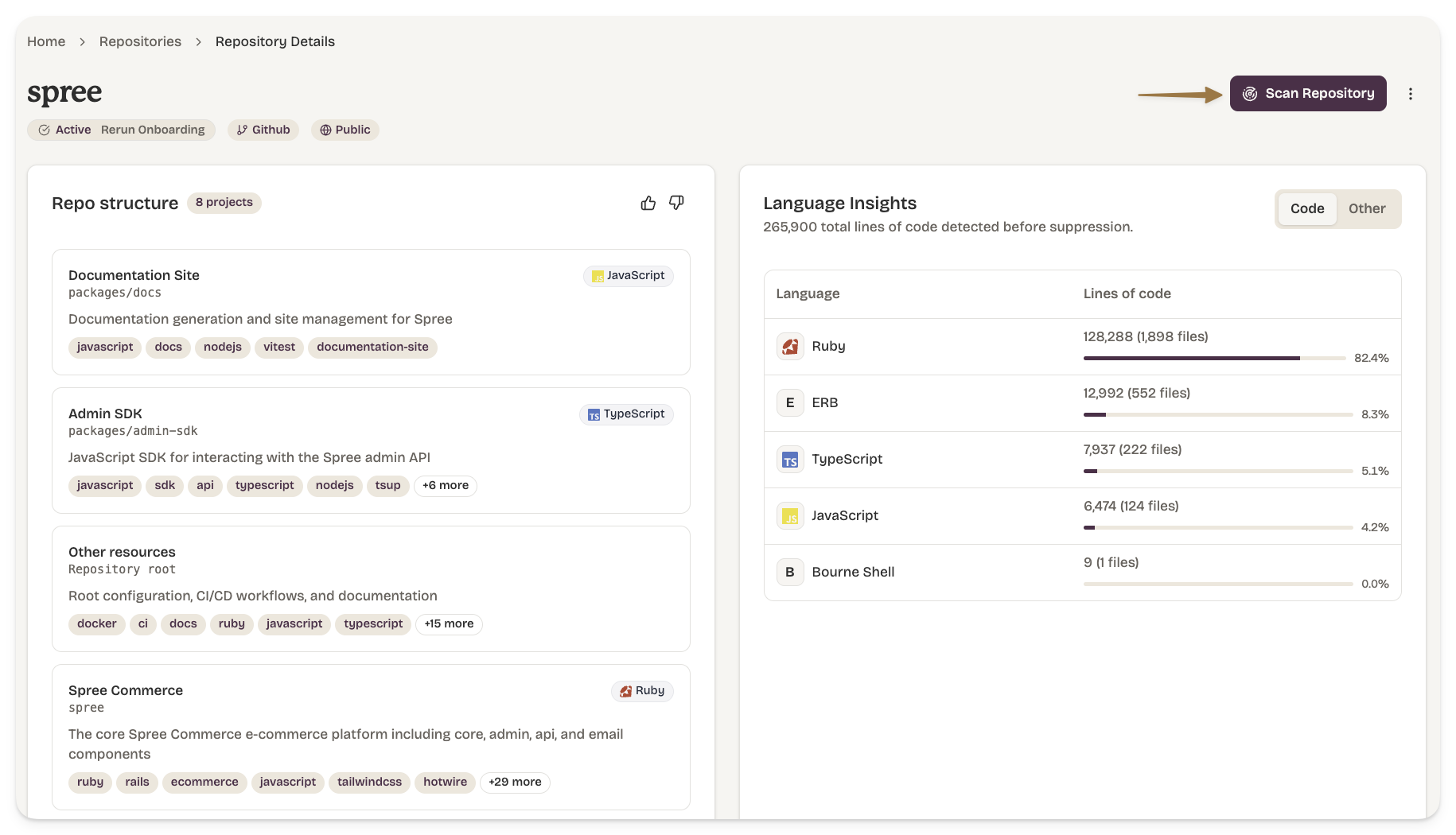
A baseline scan evaluates the entire repository at the current state of the default branch. It populates the issue inbox with everything currently in violation of your rules.