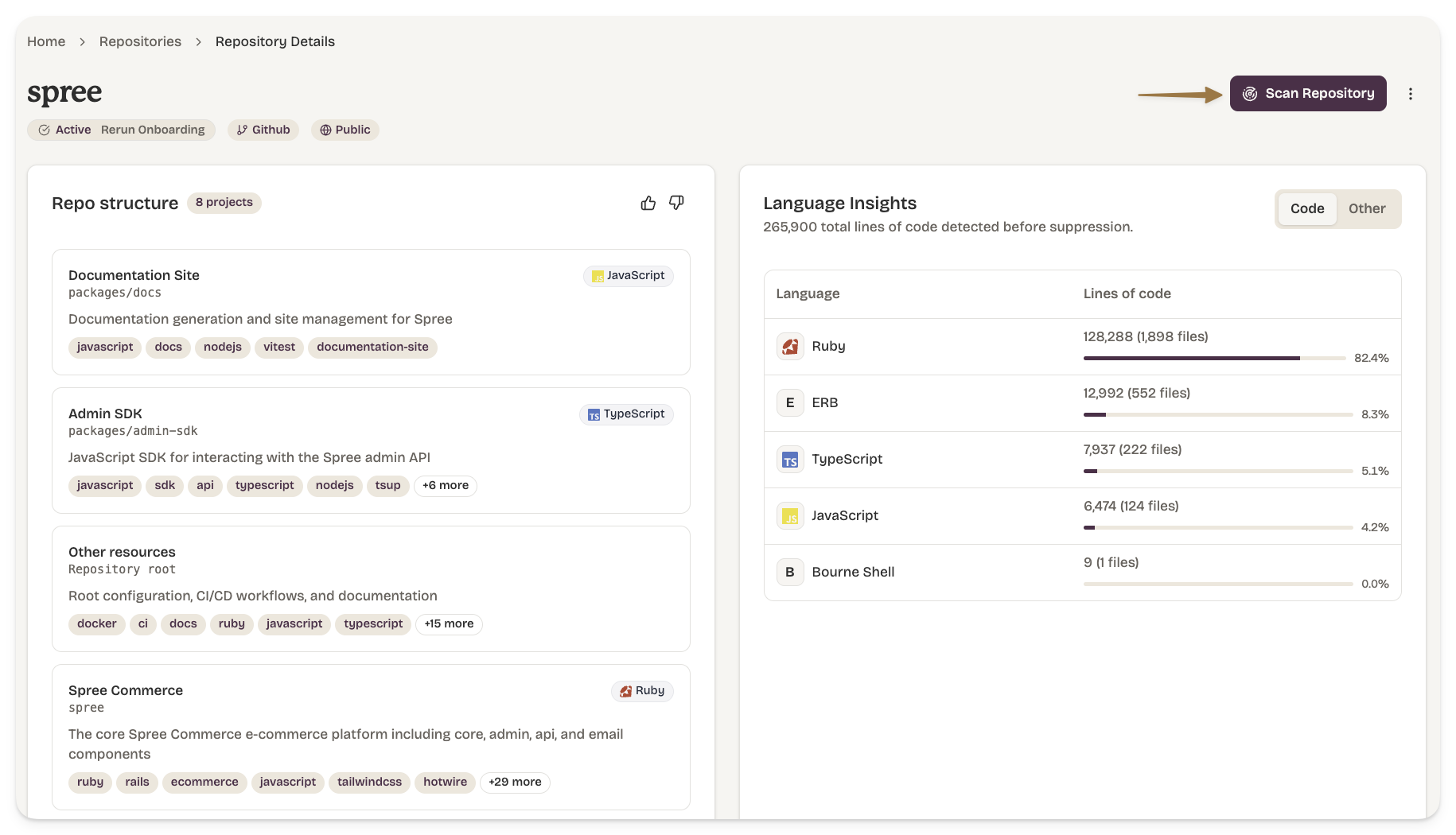
Security Scanning
Dam Secure runs security analysis across the entire agentic software development lifecycle. From the moment an agent starts planning, through code generation, into pull requests, and against the codebase on main. Each layer is a backstop for the one before it.
Every scan uses the same shared engine:
- Rules - your security policies, scoped to the repositories & projects they apply to.
- Security Knowledge Graph - built during repository onboarding, so scans understand your code structure, not just the text.
- Issues - what the scan produces. Each violation surfaces as a sub-issue (one per file or location), grouped under an issue per rule for triage.
A sub-issue from a pull request scan looks the same as a sub-issue from a baseline scan. Triaging an issue once carries that decision across re-scans.
Where we fit into your workflow
| Stage | Scan | Catches |
|---|---|---|
| Planning | Agentic Plan Scan | Insecure approaches before code is written |
| Local development | Local Scan | Vulnerabilities in unstaged changes |
| Pull request | Pull Request Scan | Issues introduced by a change before merge |
| Main branch | Baseline Repository Scan | The current security state of your codebase |
Agentic Plan Scans
Before an agent writes any code, Dam Secure reviews its plan against your rules. The scan extracts the files the plan intends to change, matches them to the projects they touch, and surfaces only the rules that apply to that specific work tailored guidance rather than a generic policy dump.
This scan is delivered through Secure Spec, which hooks into the planning lifecycle in Cursor, Claude Code, and Copilot. See the Secure Spec installation guide to set it up.
Local Scan
Local Scan runs against unstaged or uncommitted changes in your working tree — catching issues during the inner development loop, before a commit is even pushed.
Pull Request Scan
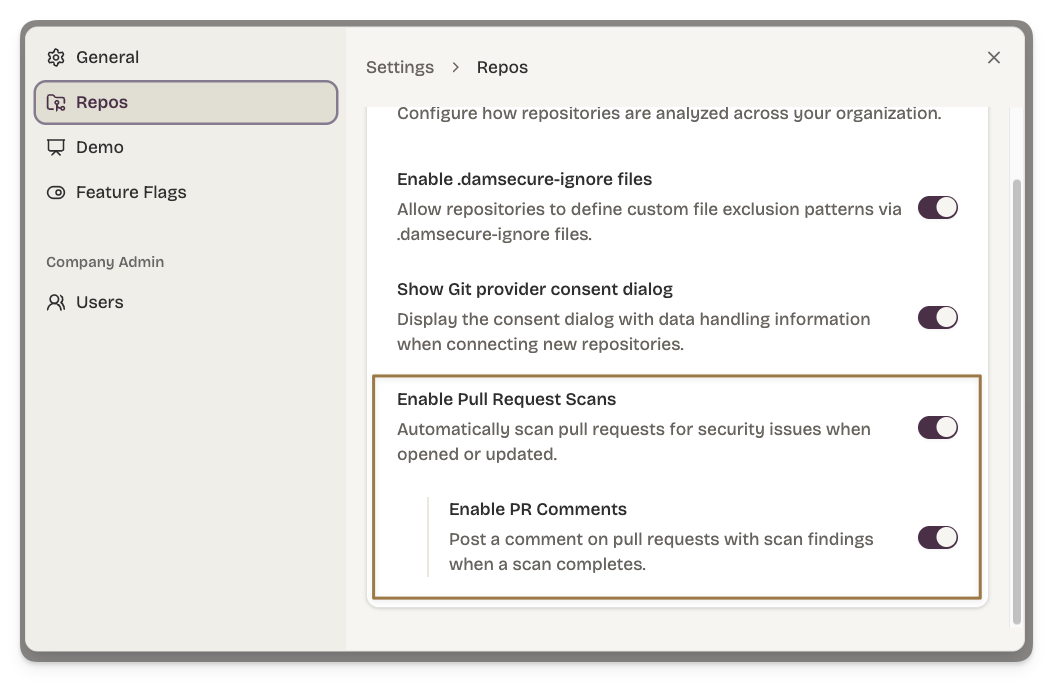
When a pull request is opened, Dam Secure scans the diff against your enabled rules. The scan produces a GitHub check run with pass / fail status and comments on the PR.
PR scans run automatically once your repository is connected and rules are enabled. You manage this behaviour via Settings.
Baseline Repository Scan
A baseline scan evaluates the entire repository at the current state of the default branch. It populates the issue inbox with everything currently in violation of your rules.